This page is written in English. In the ReBot app you can still write in your own language. A Character Game is simple: you choose who ReBot becomes, and you choose where you meet them. Then you talk.
Watch a short video — pick a character, say who they are, pick a place, and start.
How to prepare a ReBot character game
- Open ReBot and tap Character Universe.
- Pick a kind: Chat, Learn, Game, or Role-play.
- Choose who ReBot is — a talking cat, a king, a patient tutor, a clever thief…
- Pick a ReBot look that fits that character.
- Pick where it happens from the ready scene pictures.
- Tap create, then talk.
Where is this happening?
The scene is the place you share with the character. It is not a setting you type from scratch — you pick it from ready pictures, the same way you do in the app. Talk in the forest with a bird. Sit with a king in his castle. Walk a night street. Stand by the water. Choose the place that matches the story you want.
- Forest
- Castle
- Night city
- Water
Give ReBot a look
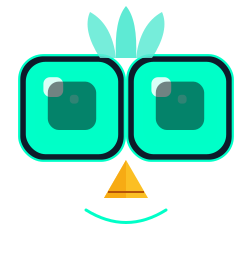
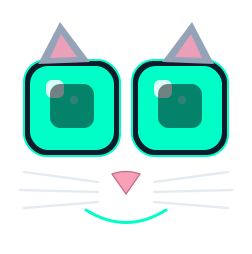
After you decide who ReBot plays, pick a face that matches — a bird for a forest friend, a king for a castle, a chef for a kitchen, an astronaut for the night sky. You are dressing ReBot as that character, not “protecting” a face. If the look and the character agree, the chat feels alive.
- Bird
 Cat
Cat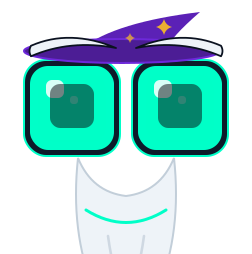 Wizard
 Chef
Chef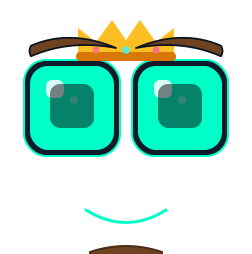 King
King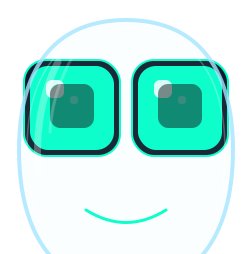 Astronaut
Chat — a ReBot character to talk with
You only need one character. Describe who they are: a night-shift doctor, a talking cat, a shy DJ. ReBot stays that person and talks with you. There is no lesson to finish and nothing to “win”. The behavior is companionship — curious, in character, a one-to-one conversation.
 Open Chat scenarios
Learn — a ReBot character who teaches
You still pick a character — a patient physics tutor, a history storyteller, a vocab fox, even a pirate if you like. The look can be anything. The behavior changes: ReBot becomes a teacher. You also choose the topic (gravity, five new words, polite requests). ReBot explains that topic, checks that you understood, and asks short questions. Same ReBot on the same phone — but now they guide you through a subject instead of only chatting.
 Open Learn scenarios
Game — a place, and something to win
Here you set two things. The place: where it is happening — a night boat, a locked attic, a crowded market. And the win: what counts as finishing — catch the thief, open the door with the code, bring the fish aboard. ReBot plays the other side of that story (the clever fish, the museum director, the riddle-keeper) and stays consistent until you reach that win. You can optionally say who you are in the game. Without a clear win, it is not a game — it is just a scene.
 Open Game scenarios
Role-play — a scene you share
ReBot plays someone opposite you: a bookstore clerk, a lighthouse keeper, an old friend. You can say who you are, and you can pick a place and a mood — rainy bookstore, rooftop tea, empty cinema. There is no single correct ending. You improvise together. If you skip the place, you can still just talk.
 Open Role-play scenarios
Characters — a cast you can reuse
Published characters live in the cast shelf. Pick one, then choose Chat, Learn, Game, or Role-play in the app. The look and personality stay; the activity changes.
 Open Characters
ReBot Me — a playable version of you
Answer a short survey about who you are and how you help. ReBot builds a Me profile you can chat with or use as the other side of a new scenario.
 Open ReBot Me
What stays yours
Conversations stay on your phone unless you choose to share a public card. Read privacy in ReBot or the Privacy Policy.